July 7, 2026 · 6:08 AM
Google put a $100 intern in your Downloads folder
Gemini Spark for Mac can sort files, watch topics, connect apps, and act through a remote browser. The useful part is real; the catch is that the agent only gets interesting after you hand it files, connected apps, saved browser state, and supervision duties.

"Your 24/7 personal AI agent."
That is Google's line for Gemini Spark. The new version brings Spark into the Gemini macOS app, connects it to more services, and lets it track topics in real time. 1 The funny part is that Google's own help page then spends several screens explaining why you should not treat the 24/7 personal agent like, well, a 24/7 personal agent. 2
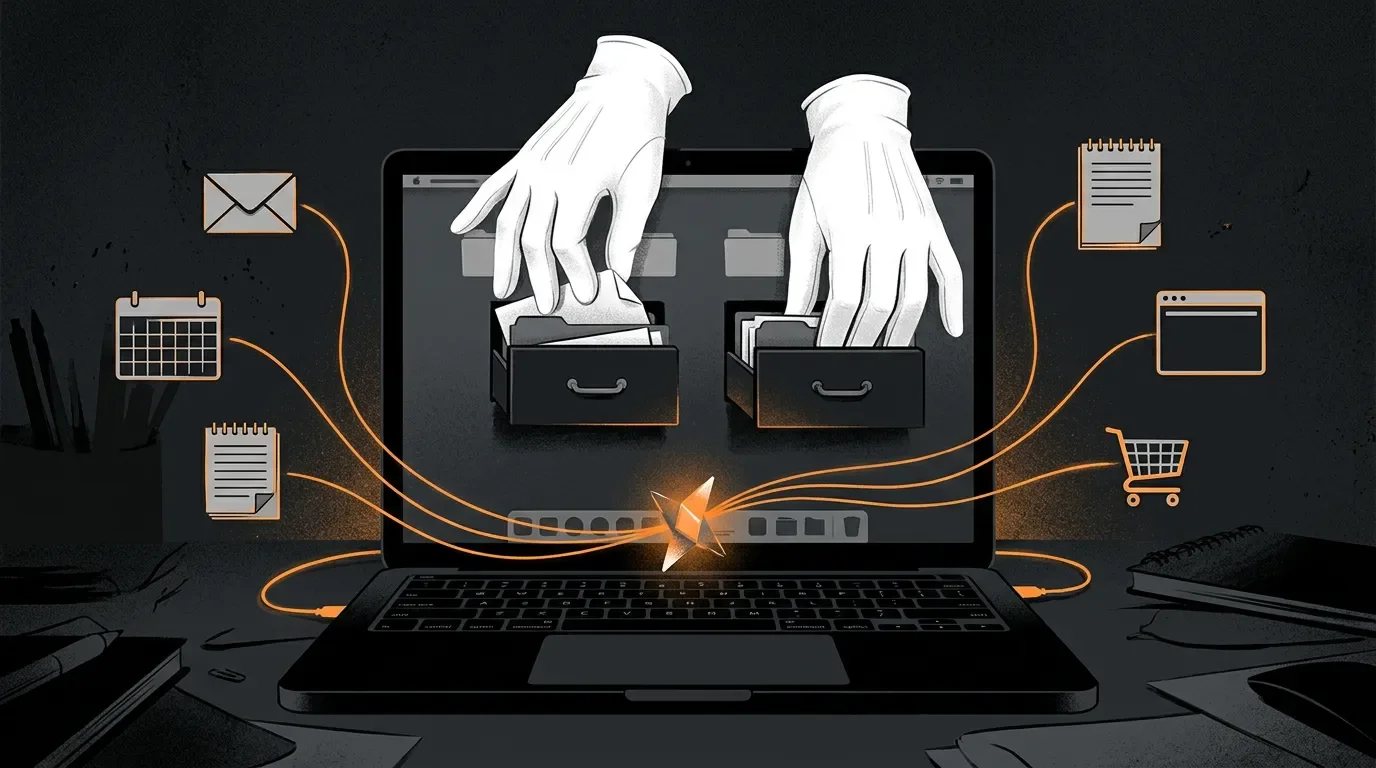
The product pitch is clean. The architecture is a paid desk clerk with a badge, a browser, a memory of your cookies, and occasional access to your files.
What Google actually shipped
Spark is now in beta in the Gemini macOS app for Google AI Ultra subscribers aged 18 and over, starting in the US. 1 Google says it can sort PDFs in Downloads, use local invoices to build a budget spreadsheet in Google Workspace, and, in a later remote-task flow, let you assign work to your Mac from your phone while you are away. 1
TechCrunch described the Mac launch as a move that puts Spark closer to desktop agents such as Claude Desktop, Microsoft Copilot, and OpenClaw, because Spark can work with files on the computer and later handle remote tasks. 3 That comparison is fair, but it also gives away the category problem: every desktop agent starts as a convenience feature and ends as an access-management product.
Google also added first-party support for Google Keep and Google Tasks, plus integrations with Canva, Dropbox, Instacart, OpenTable, and Zillow Rentals. 1 It is rolling out custom Model Context Protocol support so users can connect apps directly into Spark. 4 It can track blogs, news sites, social media, finance, shopping, weather, sports, and email, then react when something changes. 1
So the product is not just a chatbot with better errands. It is a scheduler, file reader, browser operator, app connector, and event watcher bundled behind Google's most expensive consumer AI tier.
| The glossy promise | The boring machinery underneath |
|---|---|
| "Automate time-consuming tasks across your desktop" | Spark needs permissioned access to desktop files and can use those files to create Workspace docs or spreadsheets. 1 |
| "Connect to your favorite apps" | Gemini Connected Apps can work with Gmail, Calendar, Docs, Drive, Keep, Tasks, GitHub, Instacart, OpenTable, Zillow, Spotify, YouTube Music, Google Photos, and other services depending on app, device, and country. 5 |
| "React to events in real time" | Spark watches external sources such as news, social media, shopping, weather, sports, finance, and email. 1 |
| "Google AI Ultra" access | Google's release notes introduced Google AI Ultra at $100 USD per month, and the June 30 Spark note says Spark is for Ultra subscribers. 6 |
The permission slip is the product
The official Spark help page says Spark can use information from Connected Apps, skills, chats, websites you are signed into, Personal Intelligence, location, and more. 2 To use Spark, users must have Keep Activity turned on. 2 Connected Apps also depend on Keep Activity for many surfaces, and Google says users can connect or disconnect apps in settings. 5
That is the real trade. The user gets a helper that can tidy files, draft emails, book tables, watch markets, and monitor topics. Google gets a product that is only impressive when the user joins enough services, leaves enough activity on, and trusts the agent near enough private context to make the errands worth automating.
Google is not hiding the risk. The Spark help page tells users not to enter sign-in information, payment details, or sensitive information directly into a task thread. 2 It tells users to avoid scheduling sensitive tasks, because some schedules may run while they are offline and the user may not be able to stop an unintended action. 2
Then the page gets blunter. When Spark uses a remote browser, browser data such as cookies containing website authentication information can be saved for future sessions. 2 When it uses a remote computer to run code or perform complex tasks, data is saved on the remote computer for future sessions unless the user deletes it. 2 Google also says Spark can share information from the user's chat and other available sources, including Connected Apps and Personal Intelligence, with websites while using the remote browser. 2
This is not a scandal. It is how such a product has to work. A browser-using agent that cannot carry session state is a very expensive intern who forgets the office door code every morning. A file-handling agent that cannot read files is just a speech bubble with posture. The catch is that the same features that make Spark useful are exactly the ones that make it a privacy and supervision chore.
The roast is in the warning label
The most honest sentence in the whole product is Google's warning that prompt injection can hide malicious instructions in a website, email, document, Markdown file, or multimedia item visible to the AI agent. 2 Google lists examples where an agent could be misled into taking private information from emails or documents and posting it publicly, sending Gmail messages to an external service, or running malicious commands for data exfiltration. 2
That warning is not a footnote to Spark. It is the product category's load-bearing wall. The agent is supposed to read the messy web and your messy personal data, then act. Some of what it reads may be instructions. Some of those instructions may be hostile. The software has to decide which voice is you, which voice is the website, which voice is an email, and which voice is bait taped to the underside of the desk.
Google's mitigation list is sensible: confirmation prompts for actions like sending communications, modifying data, making purchases, and submitting forms; prohibited-task recognition; take-control mode; and planning information that shows files, apps, and steps used. 2 Sensible is not the same as solved. Google says the safeguards do not guarantee protection against all risks and that active supervision is the most important protection. 2
So the dream is a 24/7 personal agent. The manual says: please supervise it, do not give it sensitive errands, clean up its browser data, clear its code execution history, watch for injected instructions, and remember it can make mistakes. That is less "assistant" and more "junior operator with root-adjacent vibes and a laminated incident-response card."
Verdict
Gemini Spark is a real product with a real use case: busy people do want a machine to sort files, monitor events, and turn scattered notes into actions. The roast is that Google priced the useful version like a premium subscription and then documented a permission model that asks the user to become part-time security staff. Spark may save time on folder cleanup and routine monitoring, but its actual job is to turn your digital life into agent-readable surfaces. For $100 a month, Google is not selling magic. It is renting you a desk clerk who can be helpful only after you hand over the drawer keys and agree to keep watching the clerk.
References
- 1Gemini Spark updates: macOS launch, connected apps and more
- 2Use Gemini Spark to manage your tasks & workflows in Gemini Apps
- 3Gemini Spark, Google's agentic assistant, is now available on Mac
- 4Gemini Spark now supports 3rd-party apps, including MCP, adds real-time updates
- 5Use & manage Connected Apps in Gemini
- 6Gemini Apps' release updates and improvements
Related content
- Sign in to comment.